


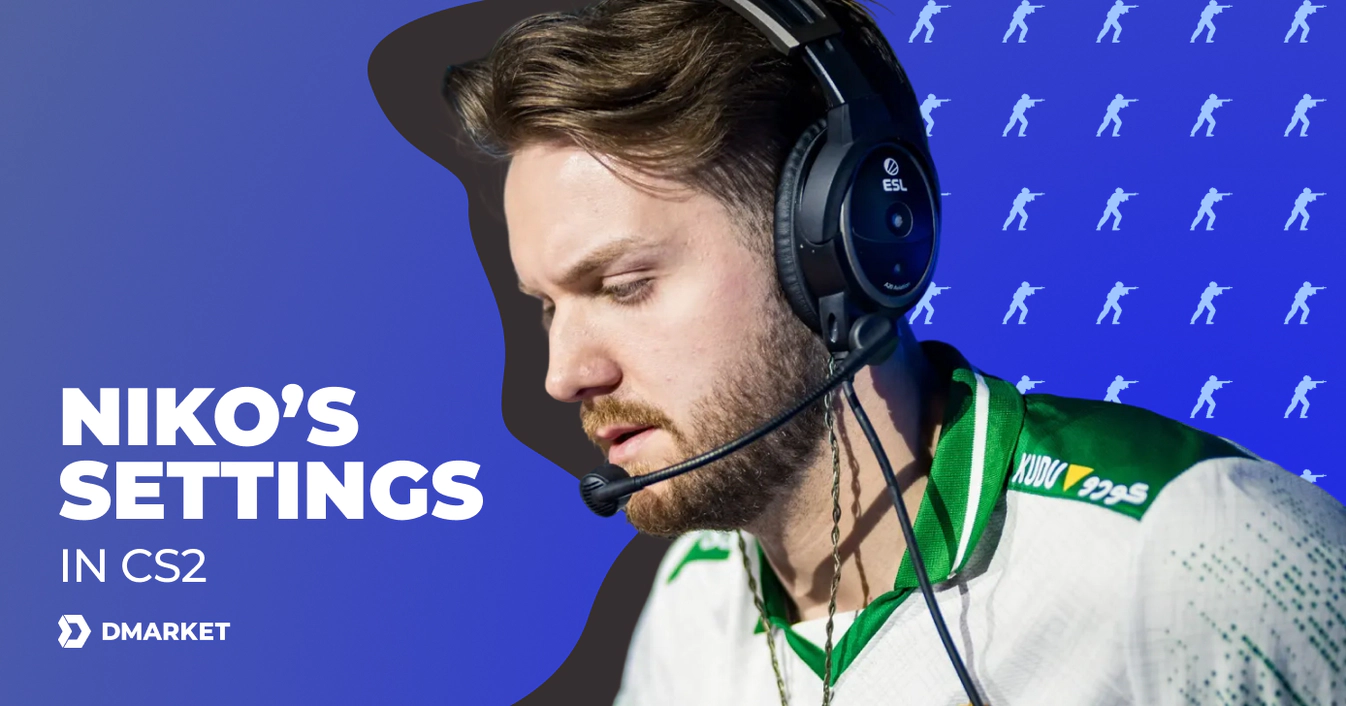
NiKo’s Settings in CS2: Mouse, Video, Crosshair, Viewmodel and More
Nikola “NiKo” Kovač is one of the best entry fraggers in Counter-Strike esports. He’s competed for some of the biggest teams and earned tremendous popularity in the community.
In this article, we highlight NiKo’s CS2 settings. They can be helpful if you enjoy the same team role or if you want to achieve snappy accuracy with your assault rifles.
NiKo has been playing Counter-Strike on the professional level since 2009. Some of the milestone teams in his career are mousesports, FaZe Clan, and G2 Esports. NiKo spent the most time with G2, almost four and a half years. After that, he left for Team Falcons.
The transition to Falcons caused backlash for NiKo in the community, as people see money as the biggest motivation for this step. Still, the player remains extremely strong, and his pro settings can be helpful for you to get better in CS2.
Important NiKo Settings in CS2
In this section, you’ll find all the most important NiKo CS2 settings: they are divided into categories for your convenience.
For general details on what each aspect means here, check out our CS2 settings guide.
Mouse Settings
As this is your main tool to look around in Counter-Strike and deliver accurate shots, mouse settings should reflect your personal style and preferences. Here is what NiKo likes to have in CS2.
- Mouse: Razer DeathAdder V4 Pro NiKo Edition
- DPI: 800
- Sensitivity: 1
- eDPI: 800.00
- Zoom Sensitivity: 1
- Hz: 1000
- Windows Sensitivity: 6
Video Settings: Performance and Visibility
The main video settings in CS2 include just five aspects.
- Resolution: 1280x768
- Aspect Ratio: 16:10
- Scaling Mode: Stretched
- Brightness: 93%
- Display Mode: Fullscreen
Below, you’ll find the advanced video settings. They really can fine-tune your Counter-Strike visual experience.
- Boost Player Contrast: Disabled
- V-Sync: Disabled
- Maximum FPS In Game: 999
- Multisampling Anti-Aliasing Mode: 8x MSAA
- Global Shadow Quality: High
- Dynamic Shadows: All
- Mode/Texture Detail: Low
- Texture Filtering Mode: Trilinear
- Shader Detail: Low
- Particle Detail: Low
- Ambient Occlusion: Disabled
- High Dynamic Range: Quality
- FidelityFX Super Resolution: Disabled (Highest Quality)
- NVIDIA Reflex Low Latency: Enabled + Boost
- NVIDIA G-Sync: Disabled
Crosshair Settings and Code
Check out NiKo’s CS2 crosshair settings here. Always keep in mind that copying the exact environments of other players may not work flawlessly. You need to feel your personal preferences, so don’t hesitate to make changes if you feel like doing so. Our guide on the best crosshair settings will help you make conscious decisions.
- Style: Classic Static
- Follow Recoil: No
- Dot: No
- Length: 1
- Thickness: 0
- Gap: -4
- Outline: No
- Color: Custom
- Red: 0
- Green: 255
- Blue: 145
- Alpha: Yes
- Alpha Value: 255
- T-Style: No
- Deployed Weapon Gap: No
- Sniper Width: 0
- NiKo’s crosshair code: CSGO-LfYUV-BtxVq-iAmCV-DpFQZ-5eRqJ
Viewmodel Settings
This section reveals NiKo’s CS2 viewmodel settings. They are responsible for the position of the character’s hand and his weapon on the screen.
- FOV: 68
- Offset X: 1
- Offset Y: 0.5
- Offset Z: -1.5
- Presetpos: 0
HUD Preferences
Just a couple of HUD settings reflect how NiKo prefers to see interface elements during his pro CS2 matches.
- HUD Scale: 1.1
- HUD Color: Pink
Radar Settings
Getting crucial info from radar is important for pro and casual players. It’s even quicker than chatting with teammates.
- Radar Centers The Player: Yes
- Radar Is Rotating: Yes
- Radar HUD Size: 1
- Radar Map Zoom: 0.35
- Toggle Shape With Scoreboard: Yes
Monitor Settings
As a pro player, NiKo often competes on the tournament equipment, which means he can’t take his preferred monitor to each event. Still, the following settings reflect what NiKo demands from this part of gaming hardware.
- Monitor: ZOWIE XL2586X+
- DyAc 2: Premium
- Black eQualizer: 13
- Color Vibrance: 14
- Low Blue Light: 0
- Picture Mode: Gamer 1
- Brightness: 85
- Contrast: 50
- Sharpness: 9
- Gamma: Gamma 3
- Color Temperature: User Define
- Red: 93
- Green: 88
- Blue: 97
- AMA: High
Equipment Setup
NiKo has a sponsorship contract with Razer, and this brand has released a special set of gaming equipment: the Razer NiKo Collection. Naturally, the player uses it in his public play.
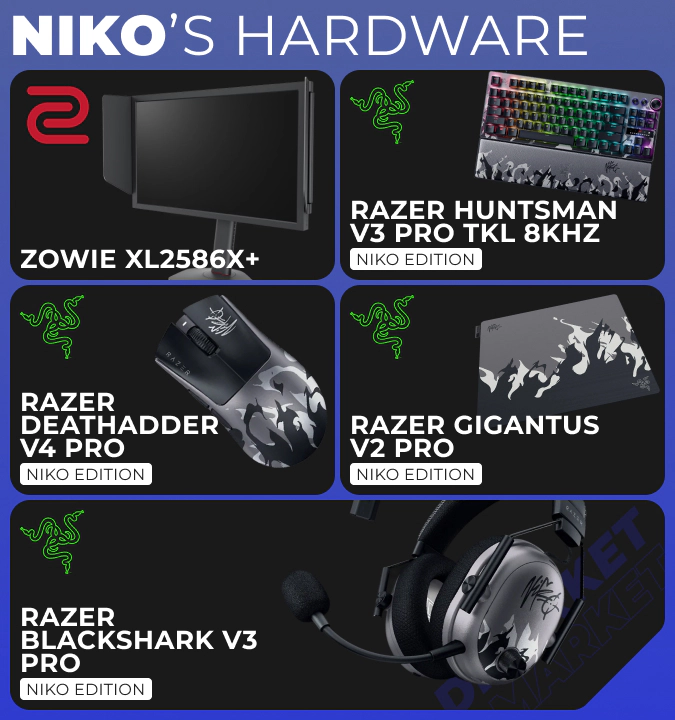
- Monitor: ZOWIE XL2586X+
- Mouse: Razer DeathAdder V4 Pro NiKo Edition
- Keyboard: Razer Huntsman V3 Pro TKL 8KHz NiKo Edition
- Mousepad: Razer Gigantus V2 Pro NiKo Edition
- Headset: Razer BlackShark V3 Pro NiKo Edition
How to Apply NiKo’s Settings in CS2
Most settings should be adjusted in CS2 manually, via the game menu.
- Launch CS2 and click the gear icon in the upper left corner.
- Use the internal tabs and scroll through settings to see all the available options.
- Copy the values from our list of NiKo’s CS2 settings or select variants from the drop-down menus.
As for crosshair settings, you can copy and paste the crosshair code: all the settings will be applied automatically.
How NiKo’s Settings Compare to Other Pros
The CS2 settings NiKo uses for his matches are pretty much typical for pro players. They feature relatively low mouse sensitivity, which allows for more precise actions in the game. Like many who started playing Counter-Strike a long time ago, NiKo prefers low resolution.
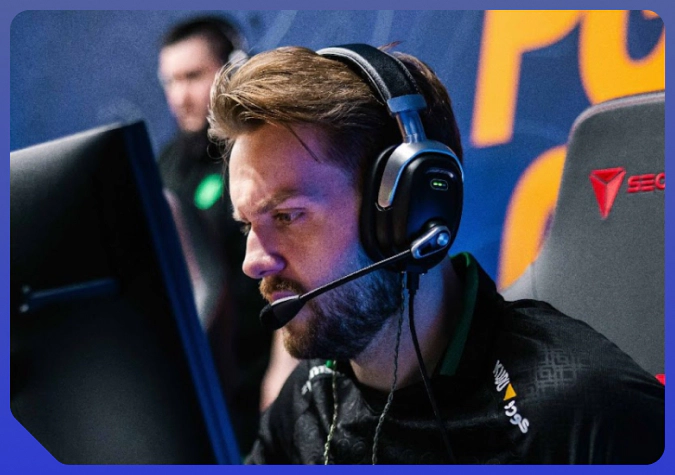
NiKo’s crosshair is also not too unique, which makes it universally effective.
In general, these settings can be used for different roles in CS2, as NiKo mainly plays with assault rifles—the most common weapon choice in the game.
It’s a clever idea to try and play Counter-Strike with the setting of a player you admire on the pro scene. NiKo is a great choice for this, as he’s achieved remarkable results throughout his career.
Trade on the go - install the mobile app of DMarket from Google Play or App Store. Never miss great prices and unique skins. The best CS2, Dota 2, Rust and TF2 marketplace is always at hand!


Don’t hesitate to adjust any parameters to create your personal best settings. As for NiKo, you can follow the CS2 event calendar 2026 to see if these settings help him finally win a big tournament with Team Falcons.